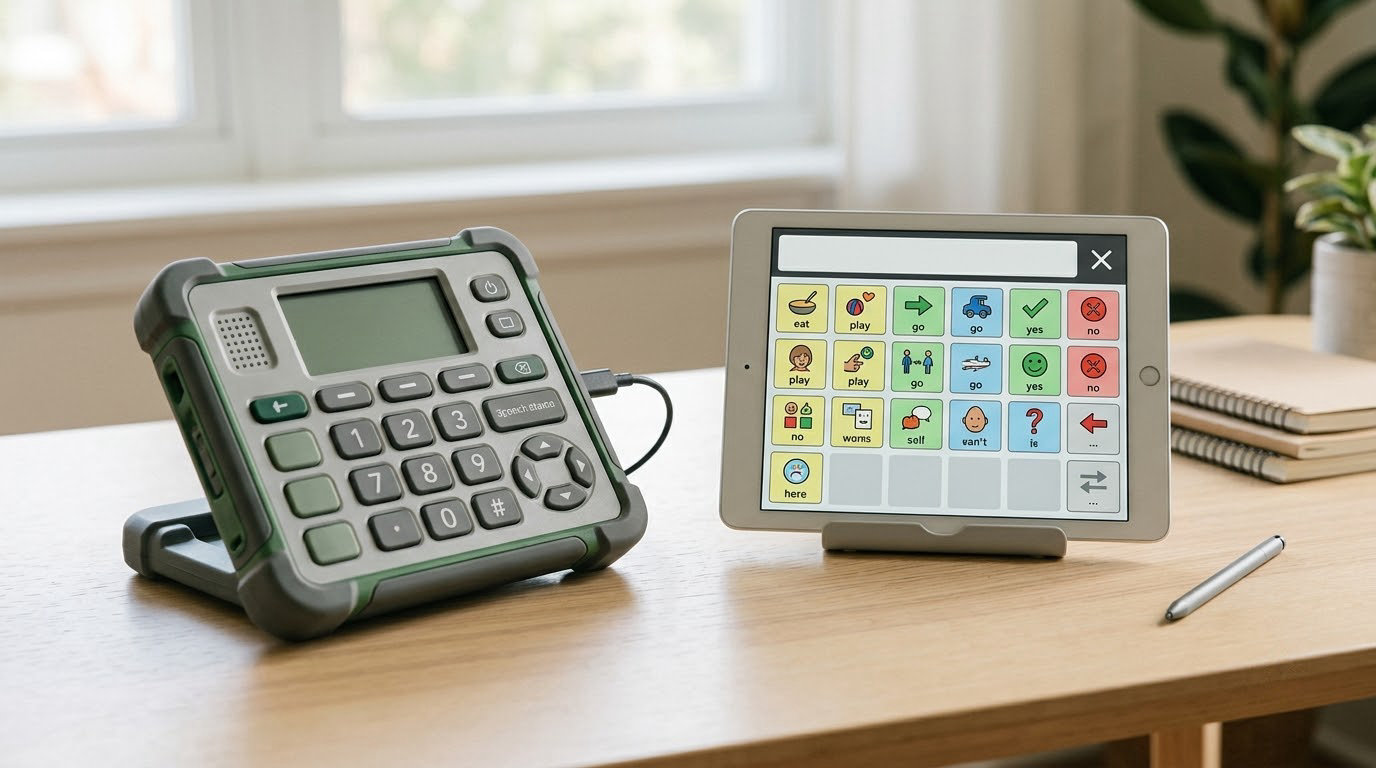
If you are working out how to choose between a speech device and an app for a child who is nonverbal or minimally speaking, the deciding factor is access method, not price or screen size. A dedicated speech-generating device earns its extra weight when someone needs eye gaze, switch scanning or hardware that survives a hard day. An AAC app on a tablet you already own is often the right first step. This guide is educational and does not replace an assessment by a speech-language pathologist.
Most families arrive at this question after an evaluation, anxious and slightly guilty, because choosing a machine feels like giving up on speech. It does not. ASHA is explicit that using AAC does not slow or stop spoken language development, and a child who can say something today may still lose it under stress tomorrow. What follows is a way to compare the two options, what each one actually costs in money and family time, and the point at which one of them is clearly the better fit.
Table of Contents
- How to Choose Between a Speech Device and an App at a Glance
- What Is a Speech Device?
- What Is a Speech Communication App?
- Communication Needs and Skill Goals
- Portability, Durability, and Everyday Access
- Cost, Funding, and Ongoing Expenses
- Customization, Independence, and Caregiver Support
- Which Should You Choose?
- Frequently Asked Questions
- What is the difference between a speech device and an AAC app?
- Can I start with an AAC app and switch to a dedicated device later?
- Why are AAC apps so expensive?
- Will insurance pay for a speech-generating device?
- Does using AAC stop my child from learning to speak?
- Do I need a speech-language pathologist to choose an AAC system?
- Conclusion
How to Choose Between a Speech Device and an App at a Glance
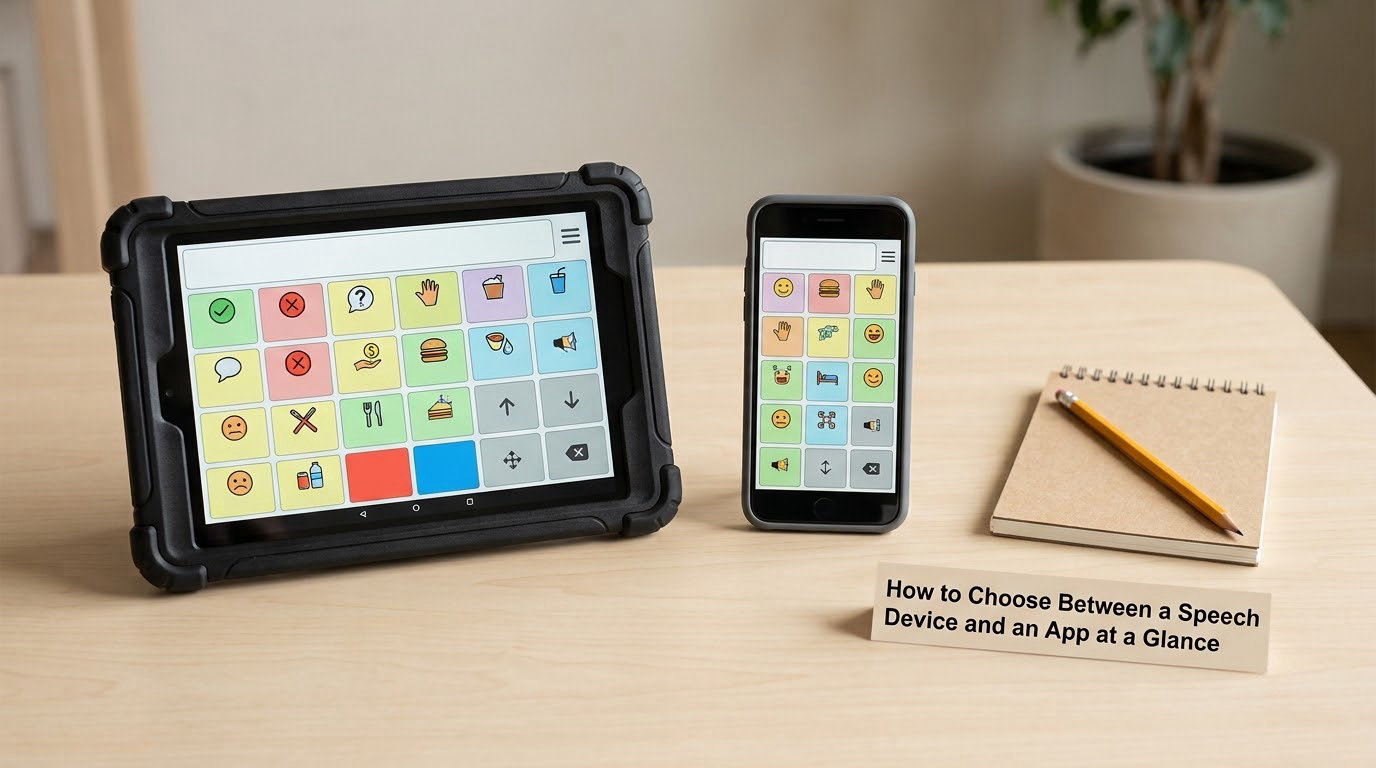
| What to compare | Dedicated speech device | AAC app on a tablet or phone |
|---|---|---|
| What it is | Hardware built only for communication, sold as durable medical equipment | Software installed on a consumer tablet, phone or laptop you already own |
| Communication range | Usually a full system with generative typing plus a core vocabulary page set | Depends entirely on the app you choose; some are full systems, some are single activities |
| Portability | Purpose-built, often with an integrated handle or carry case | Carried like any tablet, sometimes in a large rugged case with a strap |
| Durability | Ruggedized housing, water resistance, drop protection, repair pathway through the vendor | Consumer screen, no water rating, broken screens are your problem |
| Customization | Custom symbols, pages and voice settings, usually edited by a clinician or rep and synced to a caregiver app | Custom pages and symbols, often edited directly by a parent in a few taps |
| Cost and funding | Usually funded through insurance or Medicaid as durable medical equipment, with prior authorization | Paid out of pocket, either a one-time purchase or a subscription tier, on top of the tablet cost |
| Battery and accessories | Long battery life, cases, mounts, keyguards, switch and eye gaze hardware sold as part of the system | Battery depends on the tablet, accessories depend on the case you buy |
| Accessibility | Touch, switch scanning, partner-assisted scanning, head pointing and eye gaze, often in one device | Touch on every tablet, switch via an external adapter, eye gaze on only some newer models and apps |
| Privacy and device management | Locked down to the communication system, hard for a child to wander off it | Needs Guided Access or a device management profile so the child stays in the app |
| Ease of use | Set up and modeled with training, then works the same way every day | Easy to start today, easy for a child to exit, easy for a sibling to borrow |
| Professional support | Vendor or local representative support, warranty, evaluation-based setup | App vendor support, plus whatever your SLP and OT already offer you |
What Is a Speech Device?
A speech device, usually called a speech-generating device or SGD, is a piece of dedicated hardware whose only job is to help someone speak. The user selects words, symbols or typed text, and the device reads them out in a synthesized voice. It is a closed system: a ruggedized case, a screen designed for a fixed set of access methods, and a locked-down system where a child cannot wander into a game and lose the vocabulary.
Dedicated devices are built for access options that a consumer tablet does not offer well. If a child cannot touch a screen accurately, the device can be driven by a switch, by scanning that a communication partner runs, by a head pointer or joystick, or by eye gaze that follows where the user looks. Eye gaze and switch access are the two reasons most clinicians end up recommending dedicated hardware, and they are also the hardest to add to a tablet later.
Families consider a dedicated device when communication is urgent, when the person using it has motor or vision needs that limit touch, or when insurance will fund the hardware and the software as a package. The purchase usually comes with an evaluation, a letter of medical necessity, prior authorization and training, so it is a project with a timeline rather than an afternoon’s decision.
Common examples include the GoTalk and NovaChat families, the Tobii Dynavox I-Series, the PRC Accent and the TD Pilot. These names are here to make the category concrete, not to recommend anything. For a dedicated device, judge a model on the access options it supports, the size of the screen and buttons for the actual user, battery life across a school day, the housing’s drop and water resistance, and whether a local representative can come to you.
What Is a Speech Communication App?
An AAC app is software that turns symbol or text selections into spoken output on a device you already own. It looks and works the same way as a dedicated system in the moment: the user picks a symbol or a word and the app speaks it. What differs is everything around that moment, namely the hardware, the access methods, the durability, the funding route and the vendor support.
Apps have real advantages. A full AAC system can be running tonight, on hardware that already handles a long workday, for a one-time purchase or a modest subscription. Vocabulary, symbols and pages can often be changed by a parent in minutes, which matters enormously in the first months when a child’s word list changes weekly. Many apps also offer a caregiver companion app for reports, backups and vocabulary editing away from the communication device.
What an app cannot promise is a locked system. A consumer tablet carries a browser, a game store and video, and a motivated child will find all three. Parents in assistive technology groups describe the daily routine of locking a tablet into Guided Access or a supervised device management profile, sometimes daily, sometimes at bedtime, and describe what happens when the profile is not set: the child leaves the AAC app, and the family spends the next hour on video streaming. Two siblings who both need a communication system cannot share one tablet, which pushes some families toward dedicated hardware even when touch access would have been fine.
Full systems that run on a tablet include Proloquo2Go, TD Pilot, TouchChat, LAMP Words for Life and Grid 3, and there are also narrower apps built for a single therapy activity. The narrow ones can be a fine first step, but a single-activity app is not a communication system, because a child needs a way to say anything, to anyone, at any time. When comparing apps, look at whether the vocabulary can be edited, whether there is a caregiver app, whether the system can be backed up, and whether the purchase is one-time or a subscription.
Two beliefs show up often enough to be worth naming. The first is that an expensive dedicated device is automatically better, which is not true; a rugged device loaded with the wrong access method is worse than a tablet that works. The second is that you should wait to see whether speech develops first, which delays the exact tool that supports speech when it appears.
Communication Needs and Skill Goals
The deciding question is not how many words a system holds. It is whether the person using it can get to those words reliably, every time they need them.
For a child who touches a screen accurately and is building first words, expressive communication and picture support are usually enough to start, and an app serves that well. Core words, a small reliable set of words that covers most needs, matter more early on than a large vocabulary. Picture support and partner-assisted scanning are both available on apps and can be introduced without a purchase.
Word prediction and generative typing come into play as the user moves from selecting to composing, and here the two options separate. Dedicated systems tend to offer a wider library of page sets and access options than their tablet counterparts, which matters if the goal is generative language rather than fixed phrases. Motor access, visual scanning and a keyguard are all accessibility questions, and a system the user cannot hit reliably teaches them that communication is not available.
Any speech-language goal should drive the hardware choice, not the other way around. A goal of requesting, commenting and answering during a classroom routine points toward a full system with core vocabulary and caregiver reporting. A goal of having reliable access during a therapy session or a hospital visit can be met by something much simpler.
Two language questions get skipped and then cause trouble later. The first is the difference between pre-stored messages, where a fixed phrase is attached to a button, and a generative system, where the user can say anything to anyone. Pre-stored buttons are a genuine starting point for a beginner communicator, but a child who has forty fixed phrases and no way to combine them is stuck at forty. The second is voice. Check which languages the system can output, not just which languages appear as text on screen, because a child who reads Spanish and hears an English-only voice gains much less.
Picture support is worth adding to the goal list too, because it bridges speech therapy and AAC. A picture that a child can point to during a naming activity is practice for the same symbol they will later select on a dynamic display.
Portability, Durability, and Everyday Access
Portability decides whether a system gets used at all. A communication tool that stays on a shelf at home is not a communication tool.
Size and weight are the obvious factors, and a dedicated device is usually easier to carry than a tablet in a protective case, because the case is most of the bulk. Battery life works the same way: a dedicated device is designed to run through a school day on one charge, while a tablet used for communication, video and therapy back to back may need a mid-day top-up or a charging dock at every setting.
Durability is where the difference is sharpest. A consumer tablet is a glass screen with no water rating, and a school-aged child using it for communication is also the child who drops it. Parents in special education and assistive technology forums describe cracked screens, tablets taken at school and a communication system that was simply unavailable for weeks while a replacement was arranged. Ask yourself what a gap of three weeks looks like for your child before deciding a consumer tablet is fine, and check what the vendor’s repair and replacement terms actually cover.
Screen sharing at school adds a second problem. When one classroom tablet serves several children, the personal vocabulary built at home does not travel, and the person using it gets whatever the last user left on screen. A dedicated device assigned to one user avoids that entirely.
Cost, Funding, and Ongoing Expenses
Money is the reason most families start on an app, and it is a legitimate reason. The two options are paid for in completely different ways, and the one that looks expensive up front is often the cheaper one over time if funding applies.
A dedicated speech-generating device is typically purchased as durable medical equipment through insurance, Medicaid or a school district, which is why the purchase comes with an evaluation, a letter of medical necessity, prior authorization and training. Coverage varies by state, plan and documentation, prior authorization can be denied, and a denied claim can be appealed with more documentation. Check eligibility with your plan and your vendor before you commit to anything, and ask specifically what is included in the funding package: the device, the mount, the keyguard, the switch, the eye gaze module and the service visits.
An AAC app is paid out of pocket, usually as a one-time purchase or a subscription tier, on top of the cost of the tablet itself. Ongoing costs include the case, a mount, a switch adapter and any replacement tablet. The recurring subscription is where the surprise lives, since a well-developed app with a large symbol library, multiple language options and ongoing development costs more than a simple one, and some families replace a damaged tablet out of pocket entirely.
School funding runs on a separate track and rarely stacks with insurance for the same device. A district can fund assistive technology through an IEP for the school day, which usually does not follow the child home. Grants, charitable programs and vendor payment plans are the remaining options, and they vary by state.
| Funding source | What it typically covers | What usually has to happen first |
|---|---|---|
| Insurance or Medicaid | A dedicated device treated as durable medical equipment, sometimes including the app and accessories | Evaluation, letter of medical necessity, prior authorization |
| School district via IEP | Assistive technology used during the school day | Written into the IEP, usually not the same device funded at home |
| Private purchase | An app, a tablet, a case and any accessories, entirely out of pocket | Nothing, which is the appeal and the risk |
| Grants and payment plans | Portions of a purchase or a spread-out payment | Eligibility rules that change by state and program |
Customization, Independence, and Caregiver Support
Both options can be customized, and the difference is who does the work and how often.
With an app, a parent can usually add a word, swap a symbol or change a voice in a few minutes, which is a real advantage when a child is acquiring words fast. A caregiver companion app for reports, backups and editing away from the communication device is a feature parents rate highly, sometimes more highly than the child’s own app. The risk is that all of that vocabulary lives in one profile on one tablet, and a factory reset, a lost password or a dropped device takes it with it.
With a dedicated device, customization usually happens through a vendor or local representative with clinician input, and it is more deliberate and more durable. You get support, a warranty and a system that works the same way every morning. The trade-off is speed: adding vocabulary may need a scheduled session or a support visit, and a representative’s availability depends on where you live.
Backup and sharing are the quiet deciding factors. Ask how a child’s custom vocabulary is backed up, how a second caregiver or a second home gets a copy, and what a sibling or another child can do to the system. A device that one person can use and nobody else can edit becomes a single point of failure.
Independence for the person using the system is a separate question from independence of the caregivers. A child who can change pages, adjust volume or add a word without waiting for an adult has a system that belongs to them, and that behavior tends to appear more readily on a dedicated device because the software does not change under the user’s hands. When two caregivers are involved, ask who does which edits and how often, because a vocabulary that only one adult knows how to maintain is a system with one point of failure wearing a different hat.
Which Should You Choose?
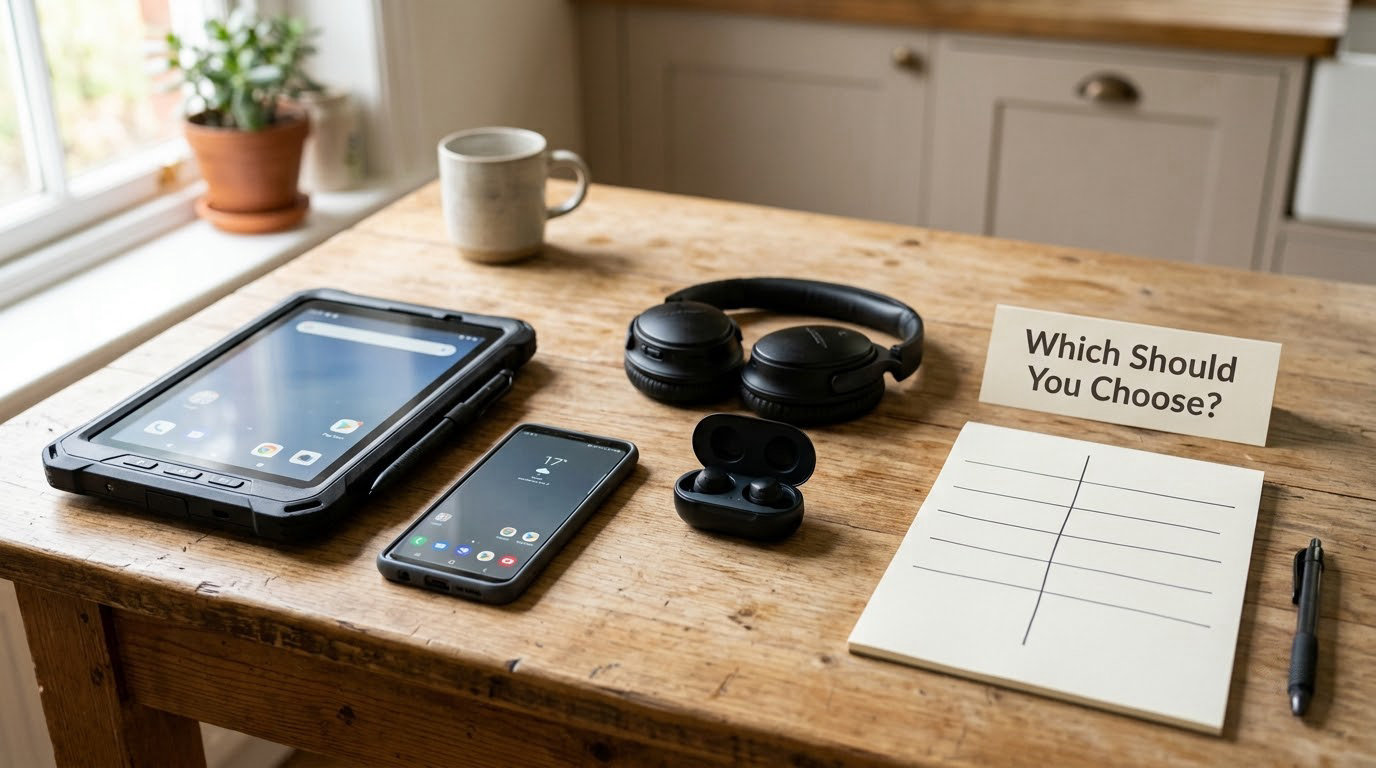
When families ask how to choose between a speech device and an app, the answer usually falls into two buckets. Choose a dedicated speech device when the person needs eye gaze or switch scanning, when touch access is unreliable, when the system must survive school and community use, or when funding will cover it and the person’s goals need a full system with reporting. Choose an AAC app when touch access is accurate, when the existing tablet already does the job, when you need something working this week, and when the child’s vocabulary is changing fast enough that a parent’s five-minute edit beats a support visit.
Waiting is the one option families regret most. Clinicians writing in AAC forums point to a simple rule: select on an assessment of physical, visual and auditory access, not on price, features or brand. If the access question is uncertain, an assessment answers it faster than another season of research.
Some children do not need either option yet. Low-tech aids such as a picture board, a communication book or a single-message button can be the right tool for a beginner communicator, and they work in places where a screen and a speaker will not, like a swimming pool or a noisy workshop. Expect the picture board to be a step toward a device rather than an alternative to it, and expect the app or the dedicated device to arrive when the vocabulary outgrows the board.
Set the timeline in advance too. An app can be working tonight. A funded device usually passes an evaluation, a letter of medical necessity, prior authorization and a procurement waitlist first, which is weeks to months depending on your state and plan. If communication is urgent in the meantime, the app or a low-tech board is a reasonable bridge rather than a compromise.
How to choose between a speech device and an app
Run both options as a short trial rather than a one-time purchase, and write the results down as you go.
- Write the communication goal in one sentence. For example, asking for a break during class, or commenting with friends at the dinner table. The goal rules out options that cannot serve it.
- Ask a speech-language pathologist to assess access first. Whether touch works, whether the person can scan visually, whether a keyguard or switch is needed. This is the step that should decide the hardware, and it belongs before any shopping.
- Trial both an app and a device, in that order of convenience. Run a full ordinary day on each, not a five-minute demonstration, and include a noisy restaurant or a therapy appointment.
- Measure access and frustration separately. Count how often the user got to the message they wanted, and how often they gave up. Frustration that is not going down is a hardware signal.
- Test portability. Weigh the system, carry it, and check the battery at the end of the day. If it does not leave the house, it is not a communication system.
- Review the full cost and support plan before deciding. Purchase, subscription, case, mounts, switch, keyguard, replacement, training, and what a funded package actually includes. Check your current plan and state rules at the same time.
Frequently Asked Questions
What is the difference between a speech device and an AAC app?
A speech device is dedicated hardware built only for communication, sold as durable medical equipment, with rugged construction, locked-down software and access options such as eye gaze or switch scanning. An AAC app is software on a consumer tablet or phone. Both speak selected words or symbols aloud. The differences are durability, available access methods, funding pathway and vendor support.
Can I start with an AAC app and switch to a dedicated device later?
Yes, and many families do. An app is a fast way to get a working system and to learn what vocabulary and voice your child actually uses. Later, a dedicated device can be funded once access needs or goals justify it. Ask your funding source in advance whether a documented change in need supports a new device, and keep records of what the app could not do.
Why are AAC apps so expensive?
The price reflects real development work: symbol and page design, language and translation support, licensing across operating systems, and ongoing updates. A full system with a large vocabulary costs more than a single-activity app, and some use subscription tiers rather than a one-time purchase. Look for a lower-cost tier or a one-time option, and check what features each tier actually includes.
Will insurance pay for a speech-generating device?
Often, when a dedicated device is documented as medically necessary durable medical equipment, which means an evaluation, a letter of medical necessity and prior authorization. Coverage varies by state, plan and documentation, denials happen and can be appealed. The tablet itself is treated differently from the device, and the app and accessories may be included or not, so ask what the funding package covers.
Does using AAC stop my child from learning to speak?
No. ASHA states that using AAC does not hinder speech development, and research does not support the idea that a device reduces spoken language. Many children use both, and some speak more when they are not forced to choose between talking and a machine. A child who loses words under stress still benefits from having a reliable way to be heard.
Do I need a speech-language pathologist to choose an AAC system?
It is strongly recommended, and for a funded device it is usually required. An SLP or OT assesses whether touch, switch, scanning or eye gaze is the right access method, and that assessment drives the hardware choice. You can download an app today, but choosing a system to last years without an assessment is the step families most often regret.
Conclusion
The rule is short: decide on access method, not on price. A dedicated speech device is the right call when eye gaze, switch scanning or rugged all-day use is required, and an app on a tablet you already own is the right call when touch access is accurate and speed matters more than funding. Test both with a speech-language pathologist before you buy, because a system that cannot be accessed reliably is the same as no system at all.